The operating system for facilities teams

Hosted on ISO-certified cloud infrastructure · your data is never used to train AI models

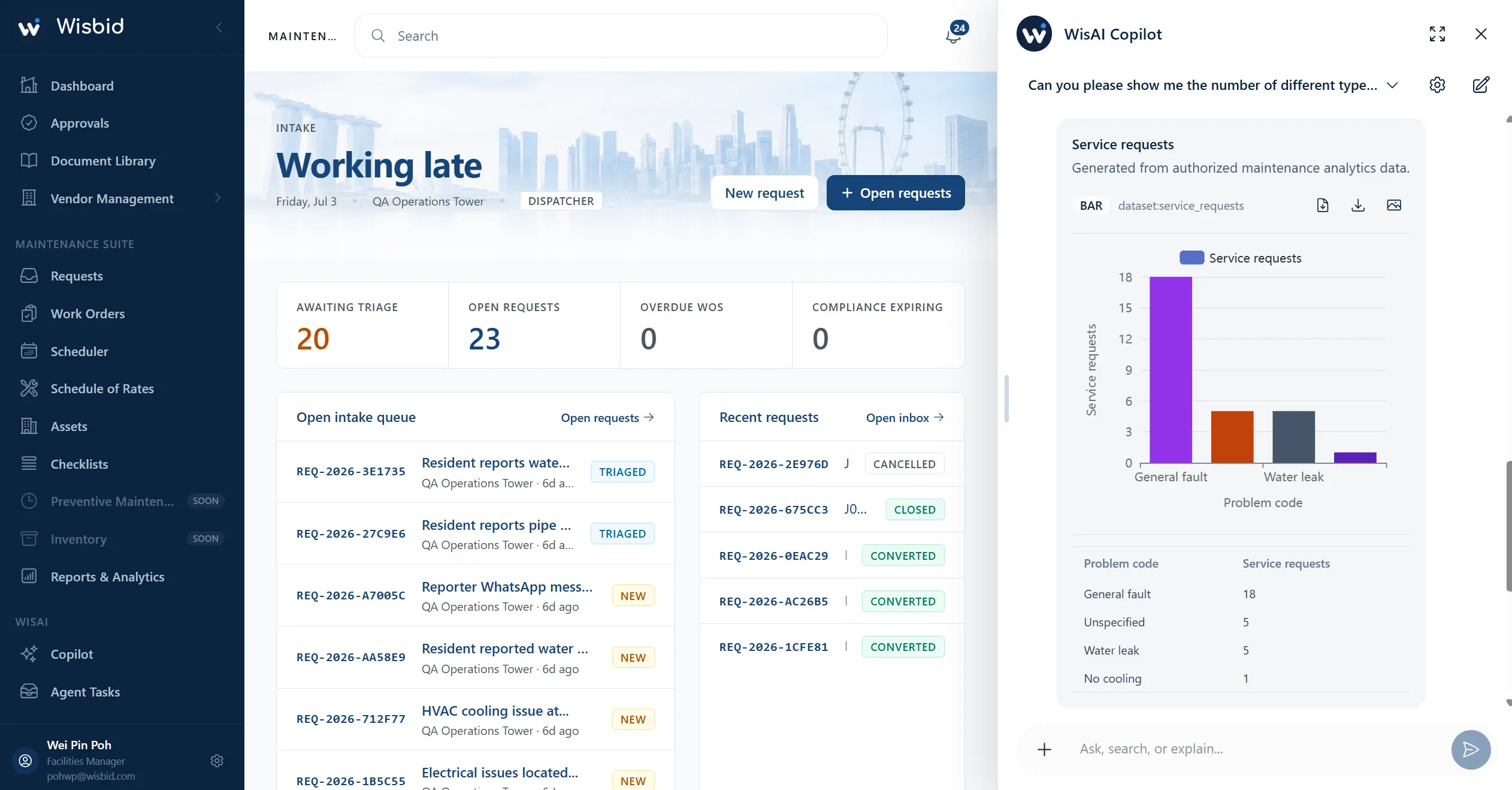
Wisbid FM web platform dashboard
01What are we

An AI-native property-operations platform.

Wisbid gives your team one connected system to run property operations. We work with you to configure the rules, information and review points that let WisAI agents help in the workflows you choose.

WisAI

AI that helps work move forward.

  • Wisbid CoworkA 24/7 colleague for property questions, updates and next steps.
  • Connected data and applicationsBring approved property information together with the applications your team already uses.
  • Agent TasksGoverned agents that help routine work move forward, with review where it matters.
  • Document LibraryGive your team faster, more reliable answers from approved manuals, SOPs and property records.
The property operations platform

One connected system for the work that runs properties.

Maintenance is a core module—alongside the commercial, operational and communication work that keeps every property moving.

  • Maintenance and work management
  • Assets and equipment records
  • Vendors, quotations and approvals
  • Records, communication and reporting
Centralized communication

Conversations stay with the work.

Technicians ↔ FM teamWork-order conversations

Keep updates, access details and scope in the work order, so the context stays with the job instead of being scattered across messages.

Residents / tenants ↔ FM teamEnquiries in one place

Bring WhatsApp and Telegram enquiries into one FM workspace, where operators can monitor and handle every case. When enabled, WisAI can use approved knowledge to acknowledge, manage, route and update.

The Wisbid Loop

02THE PROBLEMS WE SOLVE

Four broken points in facilities work.

01Communication chaos

Requests vanish into chat groups

Issues come in through WhatsApp, Telegram and email from tenants, residents and technicians, with every case buried inside personal/group chats or forgotten before someone acts. Teams have no clean record of who asked for what, when, or whether it was even seen.

02Reactive systems, manual coordination

Triage and dispatch takes too much time

Every request, work order and message is handled manually — what is urgent, who owns it, which vendor to call. Existing systems keep records, but they do not move the work for you.

03Buried knowledge

You can't act on what you can't find

Contracts, manuals, drawings and past work records sit scattered across people, laptops and phones. When an approval, a claim or a repeat fault comes up, the answer exists somewhere — but not fast enough to use.

04Ungoverned AI

Lack of control / guardrails

Teams are plugging AI into operations without a clear way to control what it can touch, decide or send. Powerful, but not accountable; in a regulated strata environment, that is not signable risk.

IMMP

Everything a modern maintenance team runs on.

From omni-channel intake and preventative maintenance to assets, vendors, rates, documents and reporting. Built for Singapore FM and managing-agent teams.

Explore IMMP Features
  • Omni channel intake
  • Preventative Maintenance
  • Scheduling and tasking
  • Work Order & Request management
  • Assets Management
  • Reports & Analytics
  • Document Library
  • Schedule of rates registry
  • Vendor Management
03Connected workspace

An Agentic Platform that operates every app your team runs on.

Bring familiar apps like Gmail, Outlook, SharePoint, Calendar, Teams, Power BI, Xero and QuickBooks into one connected operating layer.

Works with you

Cowork

Sits inside the apps your FM team already uses — retrieving the right context, drafting updates, suggesting next steps, and coordinating approved actions across work orders, requests, checklists, vendors, assets, and documents.

Works for you

Agent Task

Controlled AI agents for FM teams — helping you close routine work faster, manage exceptions earlier, and keep building operations compliant, documented, and SLA-ready.

At a glance

One workspace, four intelligent features, every site connected.

Run one building or an entire portfolio from the same workspace. Hosted in Singapore, connected to the email, calendar and accounting tools your team already uses.

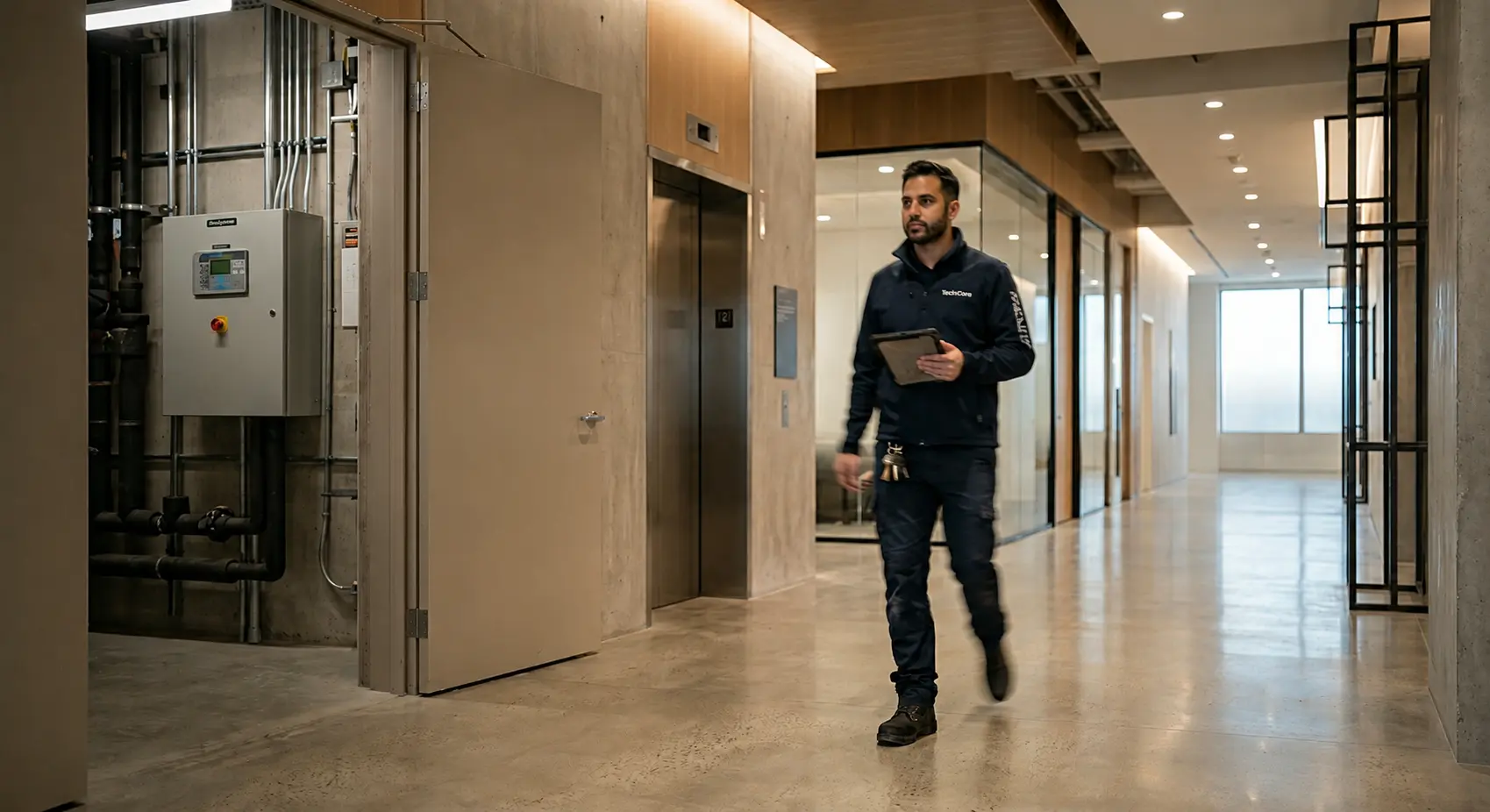
Facilities technician walking the corridor with a tablet
Wisbid Cowork for FM Operations

Stop digging across emails, logs, charts, and manuals.

Ask about a blocked job, a recurring site issue, or a DLP claim. WisAI checks permitted Wisbid records and connected context, explains what matters, and prepares the next step for review.

Wisbid Cowork
Sunshine Mall
You2026-05-27 16:07 UTC
Why has WO-2026-SM-0148 been blocked for so long? Check the Gmail vendor email thread, the work order timeline, technician work logs, and internal work-order chat. Tell me the blocker and draft the next update.
Y
WisAI2026-05-27 16:07 UTC
4 steps completed

Blocked on site access confirmation — not technician availability.

The vendor is ready to attend, and the technician has noted that parts are available. The work order remains on hold because the Level 2 service-corridor night access slot and isolation permit have not been confirmed.

Blocker summary

SourceFinding
Gmail vendor threadVendor requested night access + isolation permit
Work order timelineOn Hold · Waiting for Site Access
Technician work logParts ready · awaiting mall access
Internal WO chatSite team asked to confirm Level 2 access

Draft requester update

Hi, the repair is currently waiting for the confirmed night access slot for the Level 2 service corridor. The vendor has confirmed readiness to attend once access is approved. We will update you once the access window is confirmed.

GmailWork ordersTechnician work logsInternal work-order chat
Ask, search, or explain…

AI Features

04Features

Five features, one connected operating layer.

Each feature stands on its own — but they sit in the same workspace, share the same context, and travel with the same governance.

The full picture of any job, in one question.

Ask WisAI about any request, work order, asset, email, chat record or vendor. It answers from your live records, shows exactly what it checked, surfaces blockers or missing evidence, then drafts the documents or the next update to send. The answer takes a question, not an afternoon of digging.

Create Agent Task
Task name
Next

Set the routine once. WisAI runs it, and asks before it acts.

Give WisAI a task — an approval brief on every maintenance quote, an evidence chase, a vendor follow-up, a recurring-fault review — and it runs on a schedule or on a trigger, working not just within Wisbid but across your apps like Outlook, Gmail, Teams, SharePoint and Xero. Every run is previewed, permissioned and logged, and nothing is sent until it's approved, or until you allow a trusted agent to run the task on its own.

The answer's in the manual. WisAI finds it for you.

Point WisAI at an asset and it reads the manuals, drawings and contracts attached to it, surfacing the exact spec, procedure, warranty or DLP window your team needs, and showing where it found it. No more flipping through PDFs to answer a single question.

Your best operator's standard, on every site and every shift.

Capture your SOPs and site standards as Skills, shared across your whole organisation, so WisAI drafts closures, checks and updates the way your most experienced operator would — the same standard whether it's a veteran engineer or a new hire.

ObserveAssistHandle
Watches and logs

Every request captured. Handled as far as you trust it.

Residents and tenants message in by WhatsApp, Telegram or QR scan; WisAI Intake gathers the details, classifies the issue, and catches duplicates and emergencies. It starts in Observe and graduates to Assist, then Handle — autonomy you grant step by step, per issue type, never a black box.

05AI governance and guardrails

Secure AI adoption, with controls built in

Decide what every agent can touch

Define exactly what each WisAI agent can access, change, and execute by organisation, and individual.

Set clear access rules for every AI action. WisAI can be configured to stay disabled, require human approval, or execute approved tasks automatically based on your organisation's governance policy.

Gmail · agent access

Read messagesOffReviewOn
Search messagesOffReviewOn
Draft messageOffReviewOn
Send messageOffReviewOn
Archive messageOffReviewOn
Forward messageOffReviewOn
Label messagesOffReviewOn
06Human × AI teams

Do more with the team you already have

Legacy software was built for someone to take action. Wisbid was built from day 1 to work in the background: from answering resident enquiries, chasing vendors, finding the record, drafting the report — so that your team can cover more properties and spends its day on important decisions, not administrative drag.

More capacity per person

Agents absorb the busywork between decisions, so the same team covers more properties and stays ahead of the backlog.

Residents answered faster

WisAI drafts replies to resident and tenant enquiries from your own records, ready to review and send.

Software that works, not waits

A legacy system stores what you type. Wisbid finds the record, chases the vendor and moves work forward, then returns to your team for the call.

Today
With Wisbid
Slow response to tickets & enquiries
Information scattered across staff & devices
Manual coordination with contractors
Slow approval reviews & triage
Autonomous ticket resolution, better SLA
Knowledge consolidated, easy to look up
Agentic workflows run daily routines
Auditable, faster approvals & triage

Before Wisbid, a small team is stretched across many properties with tangled hand-offs, overdue sites and manual admin. With Wisbid, the same people are each paired with WisAI agents that carry the routine work, so every property is covered and humans focus on decisions.

Properties under management8
Team size5
Routine work carried by agents35%
Illustrative scenario
Our Vision

AI coordination for real-world FM

FM happens in buildings, not just dashboards. Wisbid is being built to coordinate the people, devices and autonomous machines behind every site — from IoT alerts, camera events and access activity to robot status and technician work — so WisAI can help teams decide, dispatch, track and govern operations from one place.

Wisbid
07Pricing

One plan. For everything.

No term commitment, one price covers every Wisbid feature for every user on your team.

Invited demo · limited cohortSGD · per user · per month
S$45
S$0/user / month
3-month free trial
Book DemoExclusive cohort price, locked 12 months from activation · billed monthly · cancel any time · fair-use policy applies
What's included
  • 1 Site
  • Unlimited requests, work orders and assets
  • Wisbid Cowork, intake agent and skills — generous usage included
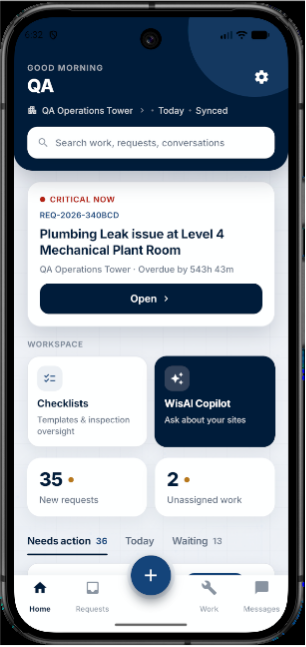
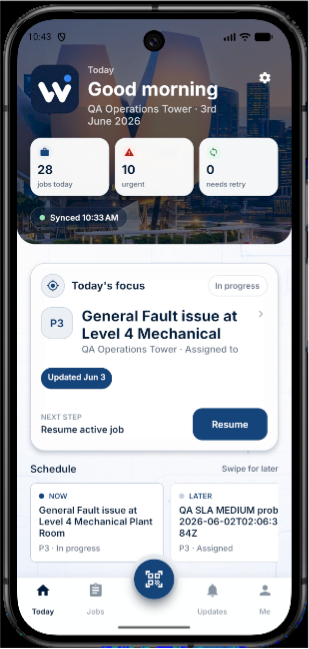
  • Cross-platform workspace: desktop and mobile (Android & iOS)
  • Onboarding and dedicated success manager
  • All future modules in your plan
No lock-in, flexible subscription terms.
Every role included. FM, dispatch, technician, vendor, approver.
WisAI usage included. Generous allowance, no per-seat metering.

Plan your next maintenance workflow

Compare CMMS software using real maintenance scenarios, prepare a preventive maintenance plan, and define what evidence a work order needs before it closes.

Be proactive,
not reactive

Explore and find out how Wisbid can run your portfolio in a 30-minute walk-through